Reverse image search for location
A reverse image search for location can find a place from a picture when that photo, or one very like it, is already on the internet. When it is not, an AI location finder can work the place out from the clues in the photo. Here is when to use each one.
Find where your photo was taken →2 free photo traces when you sign up with Google
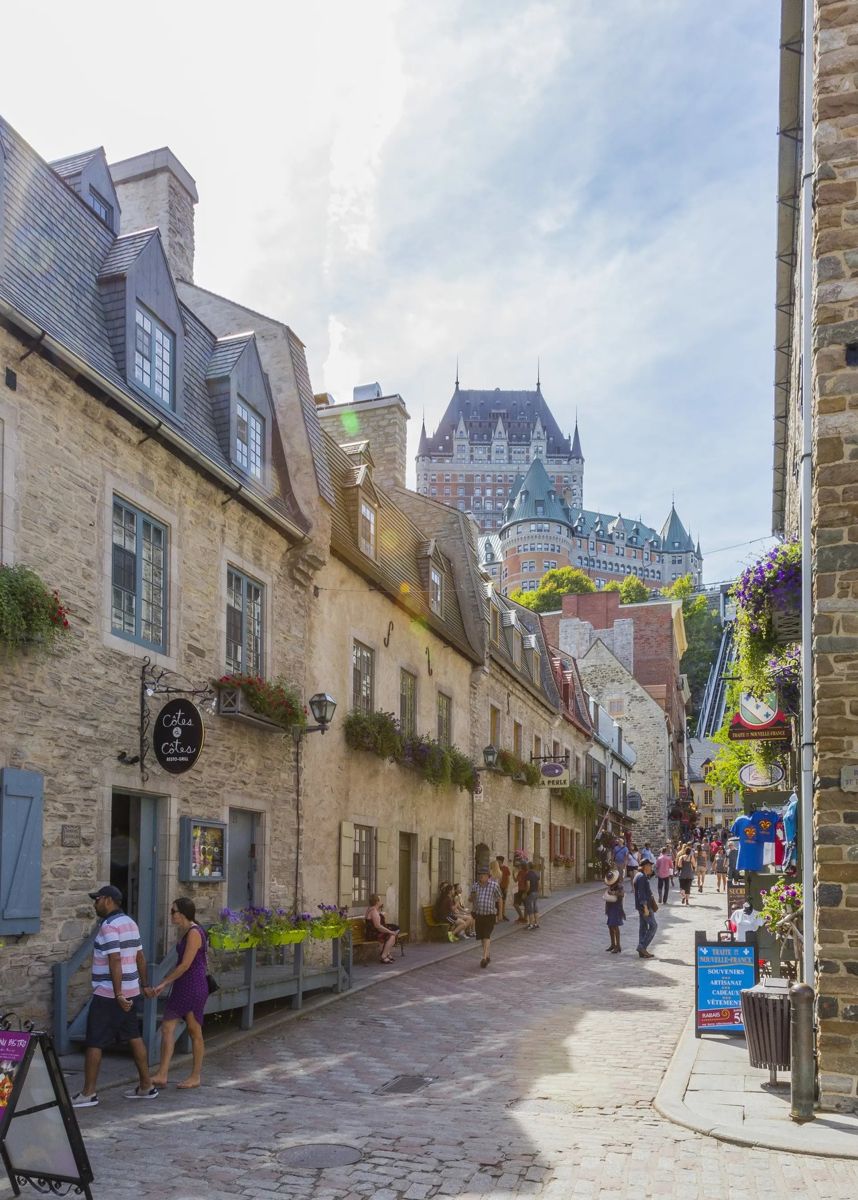
Google Lens, Bing and TinEye: how they find a place
Reverse image search engines compare your picture with billions of images online. If they find a match, such as a famous landmark or a hotel photo, the matching pages usually say where it is. Google Lens is the best at landmarks, Bing Visual Search is good with products and places, and TinEye finds exact copies of an image.
When reverse image search fails
- The photo is new and has never been posted online.
- It shows an ordinary street, a beach or a countryside road with no famous landmark.
- It is a cropped screenshot or a frame from a video.
Find a place from a picture with AI instead
Where in the World? does not need a matching photo online. It reads what is in the picture (writing, roads, buildings, plants) and reasons its way to the most likely place, then shows the clues and opens the spot in Google Maps and Street View.
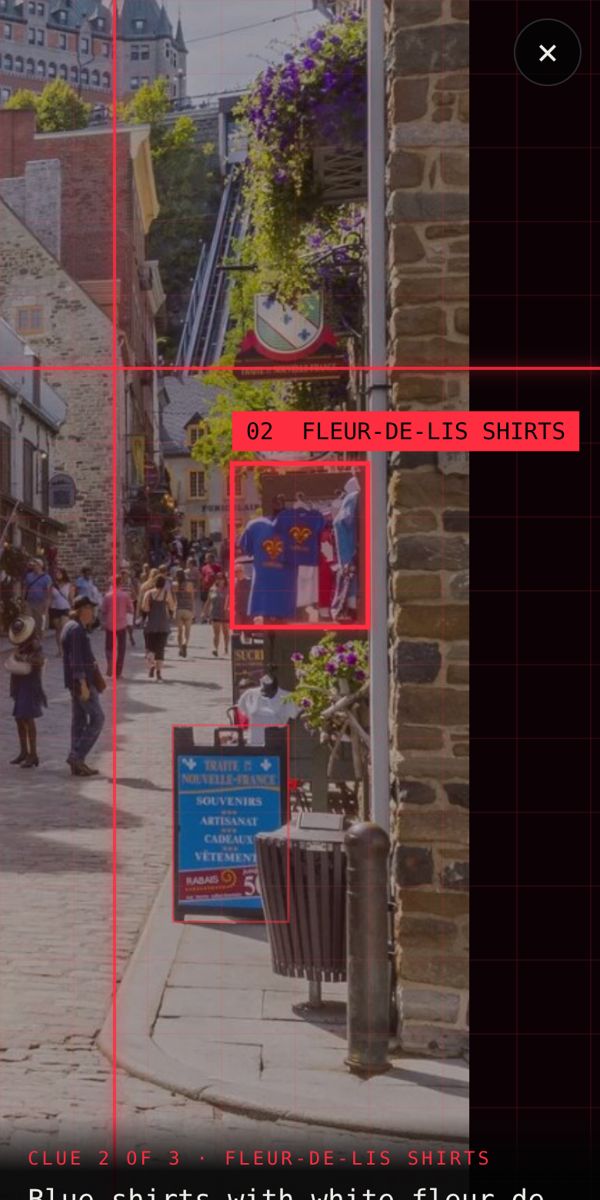
Best way to find where an image is from
- Try Google Lens first if it looks like a famous place.
- If nothing matches, run the picture through an AI location finder.
- Check the result in Street View before you trust it.
Find where your photo was taken →2 free photo traces when you sign up with Google
Frequently asked questions
Can Google Lens tell me where a photo was taken?
Sometimes. Google Lens recognises famous landmarks and photos that already exist online. For ordinary streets or new photos it often only finds similar-looking images.
What is the best reverse image search for location?
Google Lens for landmarks, TinEye for exact copies, and an AI location finder like Where in the World? for photos that are not online or have no landmark.
Can I find a place from a screenshot?
Yes. A screenshot works like any other photo, as long as part of the place is visible.