How to find a photo location without GPS or EXIF data
You can find a photo location without GPS or EXIF data by reading the clues inside the picture itself: the language on signs, which side of the road cars drive on, the style of the buildings, the plants and the sun. Below is the manual method investigators use, and the quick way with AI.
Find where your photo was taken →2 free photo traces when you sign up with Google
Why most photos have no location data
Phones can save GPS coordinates inside a photo (the EXIF data), but WhatsApp, Instagram, TikTok, Facebook and most other apps strip it out when the photo is shared. Screenshots never had it in the first place. So for nearly any photo you find online, the metadata will not help.
Step 1: check the EXIF data anyway
If you have the original file straight from a camera or phone, open its properties (on a Mac: Preview → Tools → Show Inspector; on Windows: right-click → Properties → Details). If there is a GPS section, you are done. If not, move on.
Step 2: read the clues in the picture
- Language and alphabet on signs, posters and shop fronts.
- Driving side and road markings: yellow centre lines, white dashes, kerb colours.
- Number plates: their shape and colour narrow it to a country.
- Architecture: roof tiles, balconies, shutters and building materials.
- Vegetation and terrain: palm trees, pines, red soil, snow, mountains.
- Shadows: the sun's angle hints at the latitude and the time.
Step 3: confirm it with maps and Street View
Once you have a country or a town, search for the shop names, then walk around in Google Street View until the view matches. This is how journalists and OSINT researchers verify photos, and it can take hours by hand.
The fast way: let AI find the photo location for you
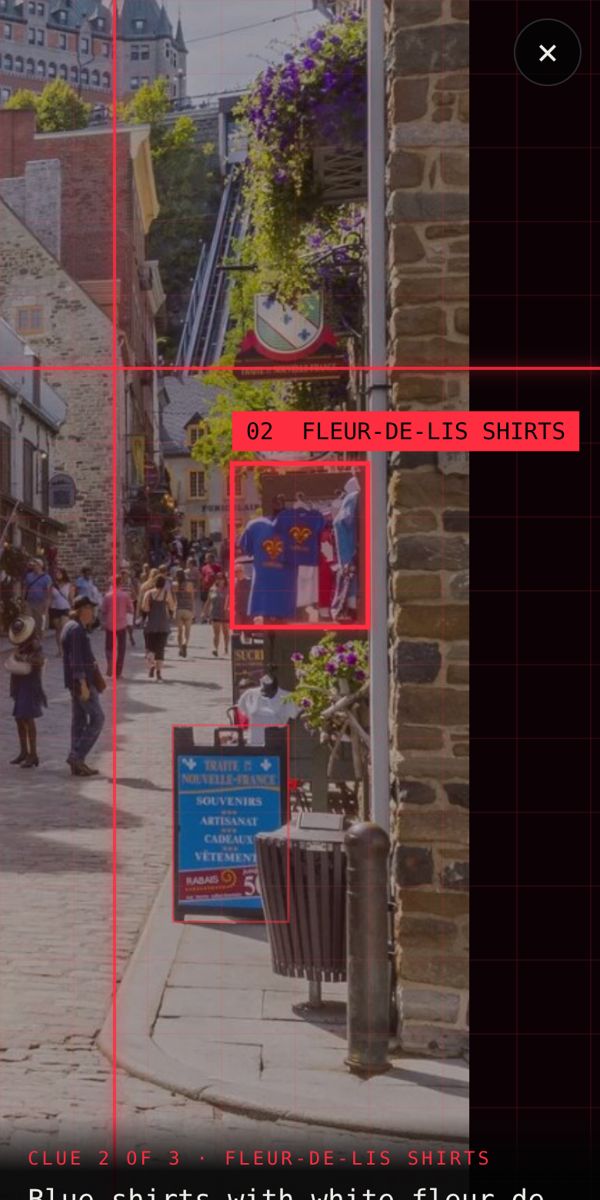
Where in the World? does steps 2 and 3 in seconds. Upload the photo and it lists each clue it found, pins the most likely place on a globe and gives you a Street View button to check it.

Find where your photo was taken →2 free photo traces when you sign up with Google
Frequently asked questions
Can you find a location from a photo with no metadata?
Yes. Location data is only one clue. Signs, buildings, roads, plants and landmarks in the picture are usually enough to find the country, and often the exact street.
Does Instagram or WhatsApp remove the location from photos?
Yes. Most social and messaging apps strip the GPS/EXIF data when a photo is shared, which is why you need to read the clues in the picture instead.
How do I see the EXIF data of a photo?
On a computer, open the file's properties or info panel. On an iPhone, open the photo in the Photos app and swipe up. If there is no map or GPS section, the location was not saved or was removed.