How to check where a viral photo was taken
To check where a viral photo was taken, first look for older copies of it with a reverse image search, then compare the clues in the picture (signs, buildings, landscape, weather) with the place it claims to show. Here is a simple checklist fact-checkers use.
Find where your photo was taken →2 free photo traces when you sign up with Google
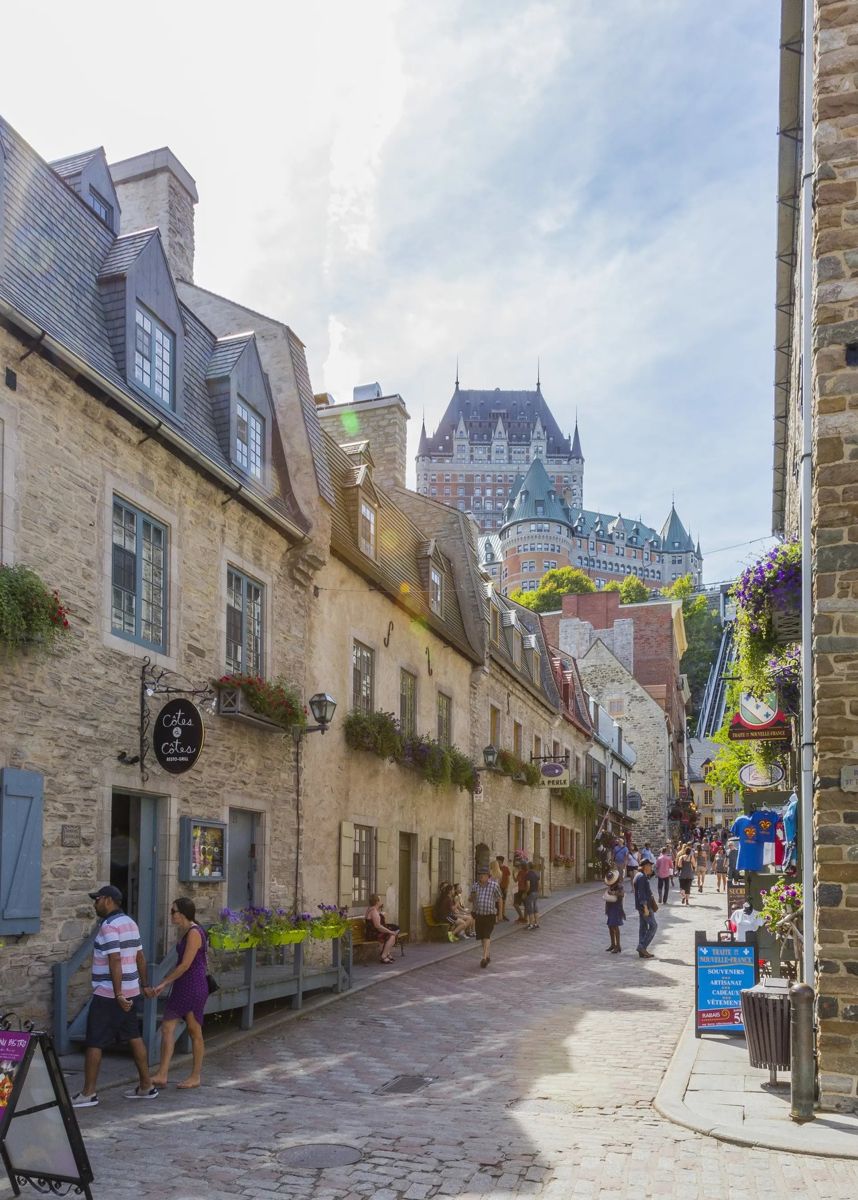
Step 1: has this photo been posted before?
Run it through Google Lens or TinEye and sort by date. Many "breaking news" photos are years old or from a different country.
Step 2: does the place match the claim?
- Is the language on the signs right for that country?
- Do cars drive on the correct side?
- Do the buildings, plants and weather fit the place and the season?
Step 3: find the exact spot
Search for any shop names or landmarks, then match the view in Google Street View. If you cannot find it, an AI location finder can suggest where it really was taken, with the clues, so you know where to look.
Step 4: check the time
Shadows, snow, leaves on trees and shop signs can show if the photo fits the date it claims.
Signs a photo might be fake or AI-made
- Text on signs that is garbled or not a real language.
- Buildings or roads that bend in impossible ways.
- Shadows that point in different directions.
Find where your photo was taken →2 free photo traces when you sign up with Google
Frequently asked questions
How can I tell if a photo is from where people say?
Compare the clues in it (language, driving side, buildings, plants, weather) with the claimed place, and look for older copies with a reverse image search.
Can AI tell where a viral photo was taken?
It can suggest the most likely place and show the clues, which is a quick way to see whether a claim adds up. Always confirm it in Street View.