Find where a video was taken
To find where a video was taken, upload a short clip (up to 8 seconds) to Where in the World? and the AI looks at several frames at once, so it sees more signs, buildings and landscape than a single photo would, then pins the place on a globe.
Find where your photo was taken →2 free photo traces when you sign up with Google
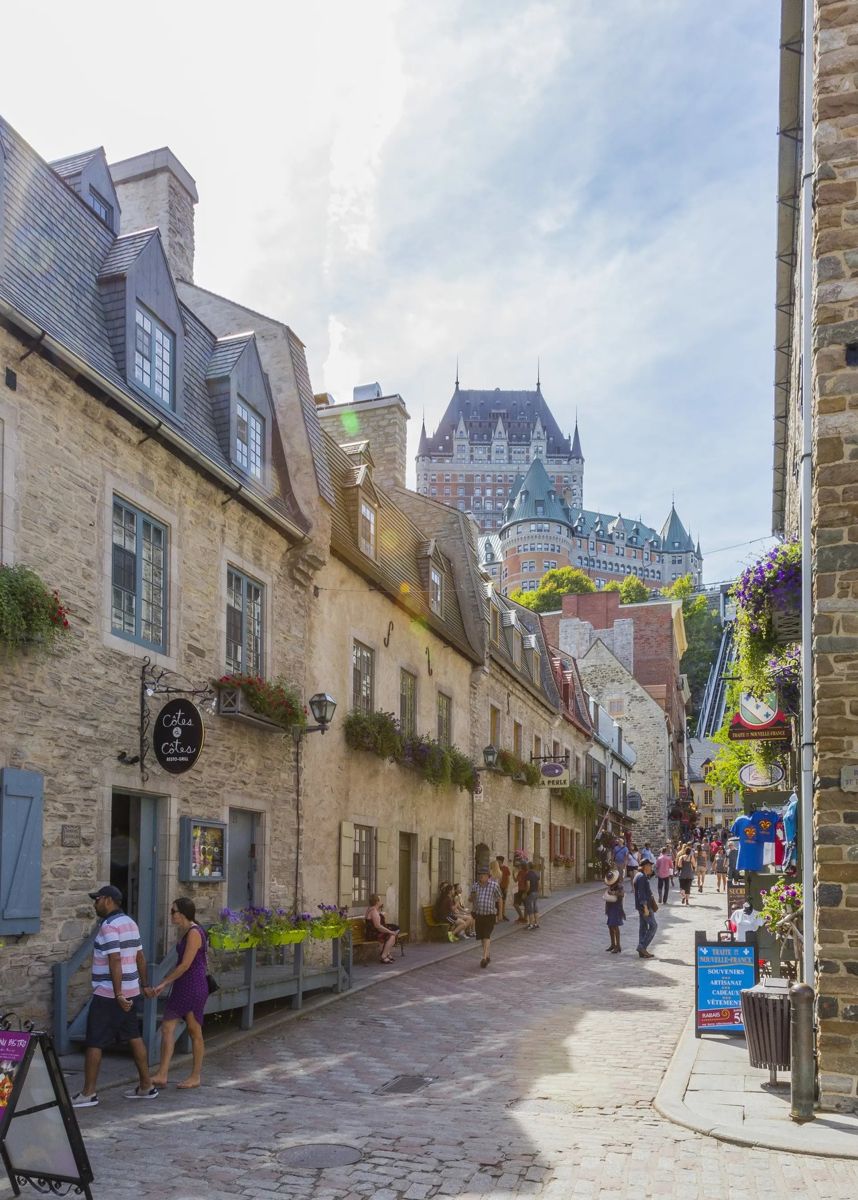
Find the location of a TikTok video
Save the TikTok (or screen-record it), trim it to the part where the place is visible, and upload it. The AI does not need the caption, hashtags or a location tag, which is useful because most travel TikToks never say where they were filmed.
Instagram Reels and YouTube Shorts
The same works for Reels, Shorts and any phone video. Pick the few seconds with the clearest view of the street, the skyline or the coast.
Why videos are easier to locate than photos
- The camera moves, so more of the area is visible.
- Passing cars show the driving side and number plates.
- Different frames catch different signs and shop names.
Tips for the best result
- Use the clip with the most outdoor detail, not the selfie part.
- Avoid heavy filters and text covering the picture.
- If the video is long, a screenshot of the best moment also works as a photo trace.
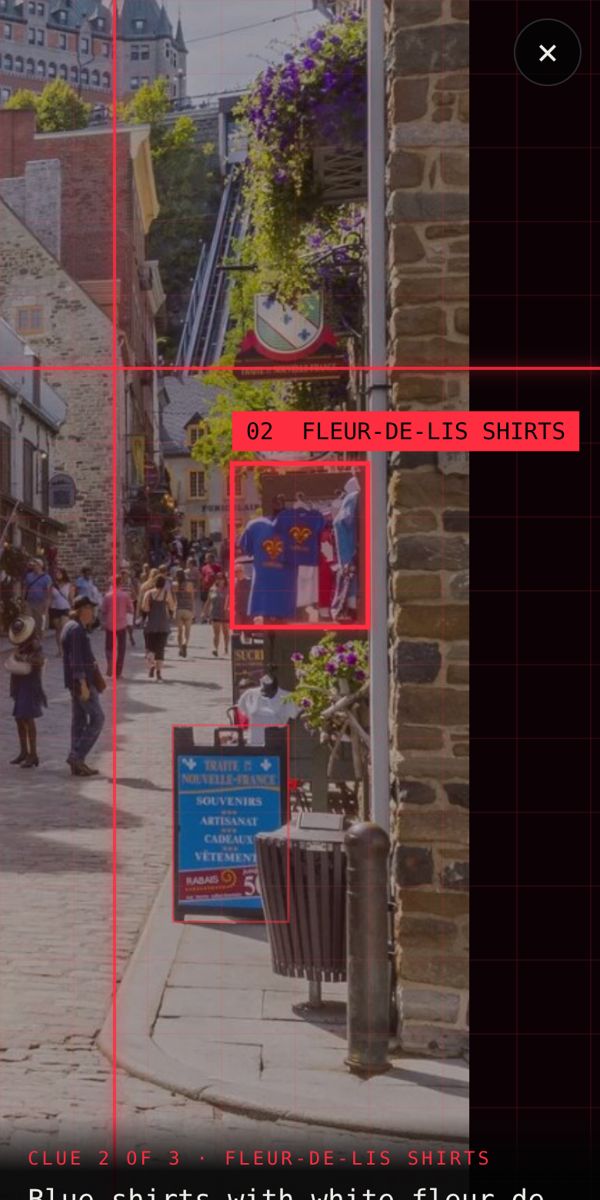
Find where your photo was taken →2 free photo traces when you sign up with Google
Frequently asked questions
Can I find where a TikTok was filmed?
Yes, if the place is visible in the video. Upload a short clip and the AI will look for signs, buildings and landscape to find it.
How long can the video be?
Up to 8 seconds per trace. Pick the part with the clearest view of the place.
Is a video trace more accurate than a photo?
Often, because the AI sees the place from several angles and catches more clues.