Find where a photo was taken
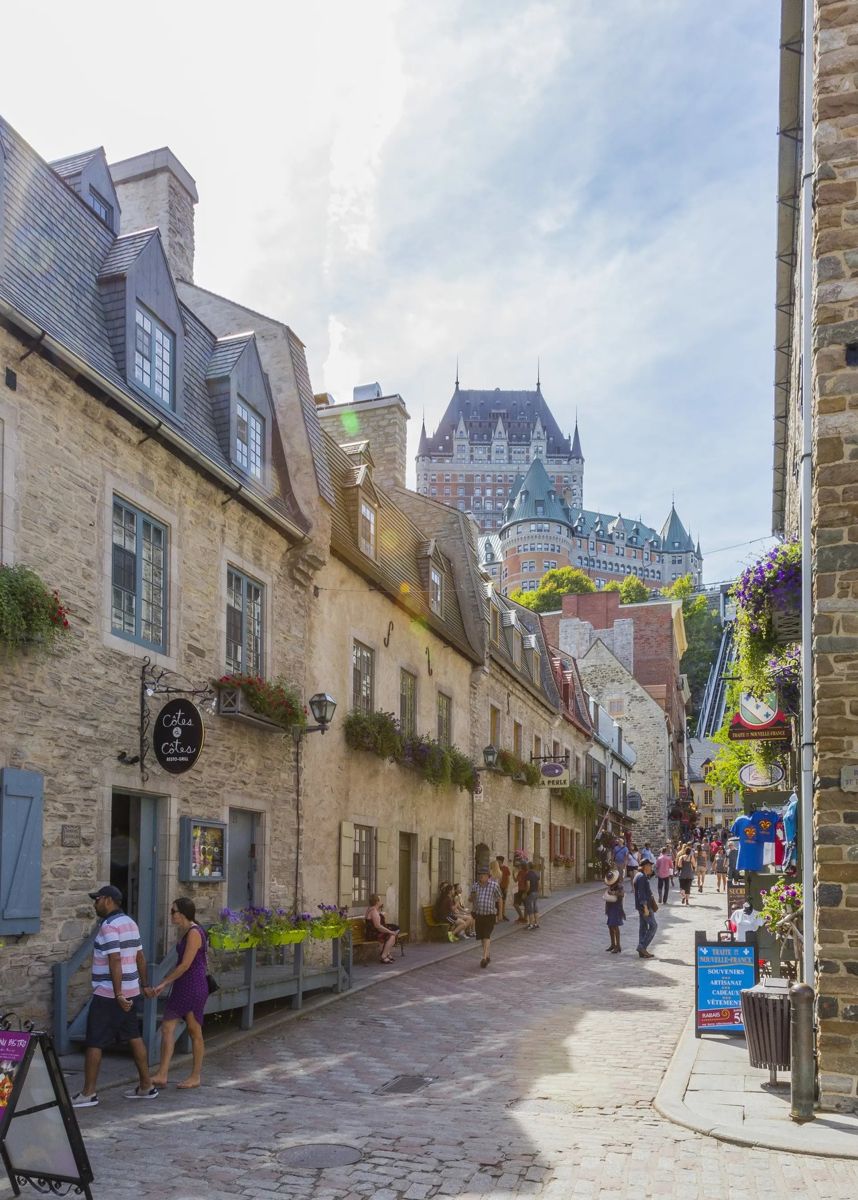
Want to find where a photo was taken? Upload it to Where in the World? and an AI photo location finder studies everything in the picture, from shop signs and number plates to rooftops, road markings and trees, then pins the most likely place on a globe and shows you the clues that gave it away.
Find where your photo was taken →2 free photo traces when you sign up with Google
How to find the location of a picture in 3 steps
- Upload the photo. A screenshot, a holiday picture, a photo someone sent you or a frame from a video all work. It does not need GPS or location data.
- Run a trace. The AI looks at the whole picture like a detective: language on signs, driving side, architecture, plants, the sun and the landscape.
- See the place. You get the most likely town or street, how sure it is, the clues it used, and buttons to open the spot in Google Maps and Street View.
What our photo location finder looks at
- Text: street signs, shop names, menus, the language and the alphabet.
- Roads: which side cars drive on, road markings, bollards, number plates and road signs.
- Buildings: roof shapes, windows, materials, churches, temples and famous landmarks.
- Nature: trees, plants, soil colour, mountains, coastlines and the weather.
- The sun: shadows hint at how far north or south the photo is.
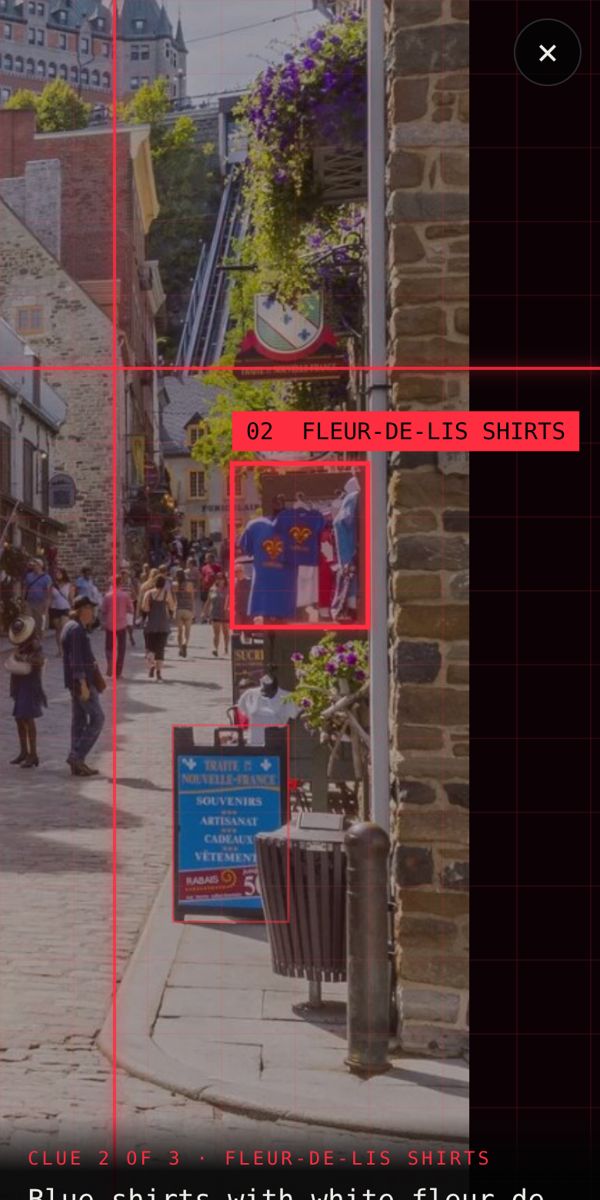
Image location finder vs reverse image search
A reverse image search (Google Lens, Bing, TinEye) finds copies of a picture online. That works for famous places and photos that are already on the internet. Our image location finder works out the place from what is in the photo, so it also works on brand-new pictures nobody has posted before, on quiet streets and on screenshots with no location data.
Picture location finder for photos, screenshots and videos
You can trace a single photo, a screenshot from TikTok or Instagram, or a short video up to 8 seconds. Videos give the AI more angles, so they are often even more accurate.
How accurate is it?
For photos with clear clues (signs, landmarks, distinctive buildings) it often finds the exact street. For a plain field or a beach with nothing around it, it narrows it down to a region and tells you how sure it is. Every result shows the clues, so you can judge it yourself.
Find where your photo was taken →2 free photo traces when you sign up with Google
Frequently asked questions
Can you find where a photo was taken without GPS?
Yes. Most photos online have their location data removed. The AI does not need it: it works out the place from what is visible in the picture.
Is it free to find the location of a photo?
You get 2 free photo traces when you sign up with Google. After that, credits start from €0.99 and never expire.
What kind of photos work best?
Outdoor photos with signs, buildings, roads or landmarks work best. Indoor photos with nothing visible outside are much harder.
Does it work on screenshots?
Yes. Screenshots from TikTok, Instagram, Snapchat or Google Maps all work, as long as the place is visible in the picture.